ChatGPT, Claude, or Gemini: Which AI Tool Is Right for Your Church?
Heads up: As an Amazon Associate I earn from qualifying purchases. Buying through these links costs you nothing extra. Affiliate disclosure
Somewhere in the last two years, the AI tool landscape went from “there’s ChatGPT” to “there are seventeen different tools and I have no idea which one to use.” If that’s where you are, you’re not alone — and this post is for you.
The good news: you don’t have to choose just one, and you don’t have to use all of them. Here’s a plain-language breakdown of the main players and what each one does best.
ChatGPT (OpenAI)
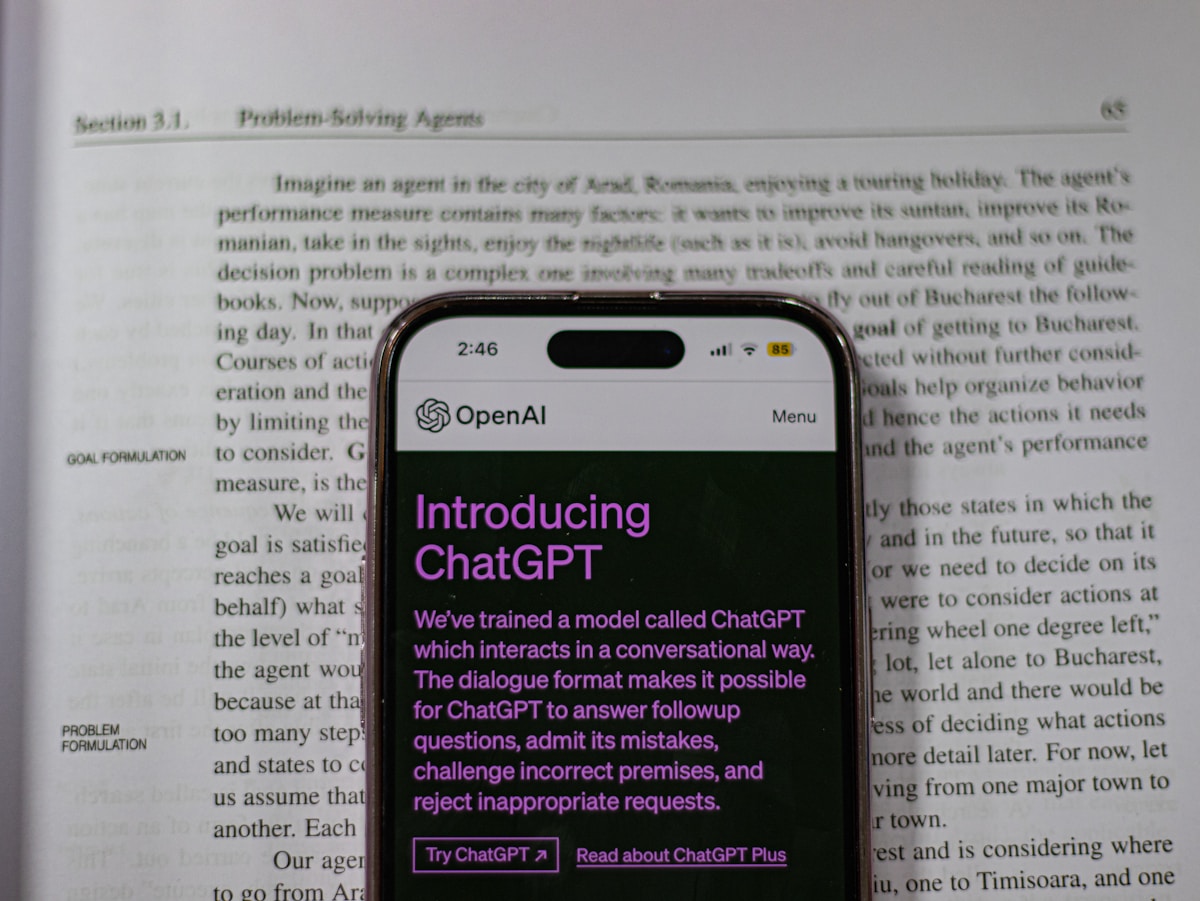
ChatGPT is probably the name you’ve heard most, and for good reason — it’s the tool that made generative AI mainstream. It’s excellent at conversation, writing, brainstorming, and summarizing. The paid version (ChatGPT Plus) gives you access to GPT-4, which can also generate images via DALL-E, browse the web, and handle more complex tasks.
Best for: General writing, sermon brainstorming, social media drafts, quick research, image generation.
Free version available: Yes, with limitations.
Claude (Anthropic)
Claude is my personal favorite for anything requiring nuance, sensitivity, or longer documents. It’s known for its focus on safety and helpfulness, and it handles complex or emotionally sensitive topics with more care than most other tools. If you need to draft a letter addressing a difficult pastoral situation, or analyze a theological concept without getting a surface-level answer, Claude is where I’d start.
Best for: Nuanced writing, sensitive communications, long documents, theological analysis.
Free version available: Yes.
Gemini (Google)
Gemini is Google’s AI, and its biggest strength is integration. If your church uses Google Workspace — Gmail, Docs, Slides, Drive — Gemini is built right in. It can help you draft emails directly in Gmail, summarize documents in Drive, and build presentations in Slides. It’s also a strong multimodal tool, meaning it can process images, audio, and text together.
Best for: Churches already using Google Workspace, research tasks, multimodal projects.
Free version available: Yes.
Which One Should You Start With?
Honestly? Pick one, try it for a month, and then try another. They all have free tiers. Here’s a quick guide:
- You want the most popular, most versatile tool: ChatGPT
- You need to write something sensitive or complex: Claude
- Your church runs on Google: Gemini
- You want to use AI for images: ChatGPT (DALL-E) or Midjourney
A Note on Privacy
Whatever tool you use, be mindful of what you put into it. Don’t input confidential pastoral information, private member data, or anything that would violate someone’s trust if it appeared in an AI training dataset. Use these tools for drafting, brainstorming, and research — not for processing sensitive personal information.
The tools are good. Use them wisely.
🤖 Want to go deeper with AI in your ministry? Check out my book AI Prompts for Church Leaders — practical, ready-to-use prompts designed specifically for pastors, communicators, and ministry teams. Grab it on Amazon.