How to Build a Sermon Archive and Events Page Your Church Will Actually Keep Updated
This post contains affiliate links to Elegant Themes. If you buy through them, I earn a small commission at no extra cost to you. Affiliate disclosure
It’s Monday morning. The sermon went great. Now someone has to get it on the website, update the events page, and take down the fall festival promo that’s still sitting on the homepage three weeks after the festival.
That someone is you. Again.
Here’s the good news: if your church website runs on Divi, you can set this up once so it mostly runs itself. Let’s build a sermon archive and an events page you’ll actually keep updated, because updating them will take five minutes instead of an hour.
Why this matters more than you think
Your sermon archive isn’t just for members who missed a Sunday. It’s often the first place a curious guest goes to answer, “What does this church actually teach?” They want to hear your pastor before they ever sit in a pew.
And your events page answers the next question: “Is there a way for someone like me to get connected?” If your events page is out of date, the answer looks like no.
Step 1: Set up the structure (once)
Before you design anything, set up WordPress so every sermon has a home.
- Create a Sermons category. Every sermon becomes a post in that category.
- Use tags for series and books of the Bible. Tag each sermon with its series name and scripture book, so people can browse “Romans” or “Advent 2026.”
- Decide what every sermon includes. I recommend a title, the speaker, the scripture, the date, a video, and a two-sentence summary. That’s it.
Step 2: Design one sermon template with the Theme Builder
Now open Divi → Theme Builder and add a new template for posts in the Sermons category. Design it once:
- The video at the top.
- The title, date, and series below it, using dynamic content so Divi fills them in from each post automatically.
- The summary and scripture.
- A “More from this series” section at the bottom (more on that in step 3).
- A “Plan a Visit” call to action, saved as a global item from your Divi Library.
From now on, every sermon post uses this design. Your volunteers only fill in the blanks. They never touch the layout.
Step 3: Build the archive page
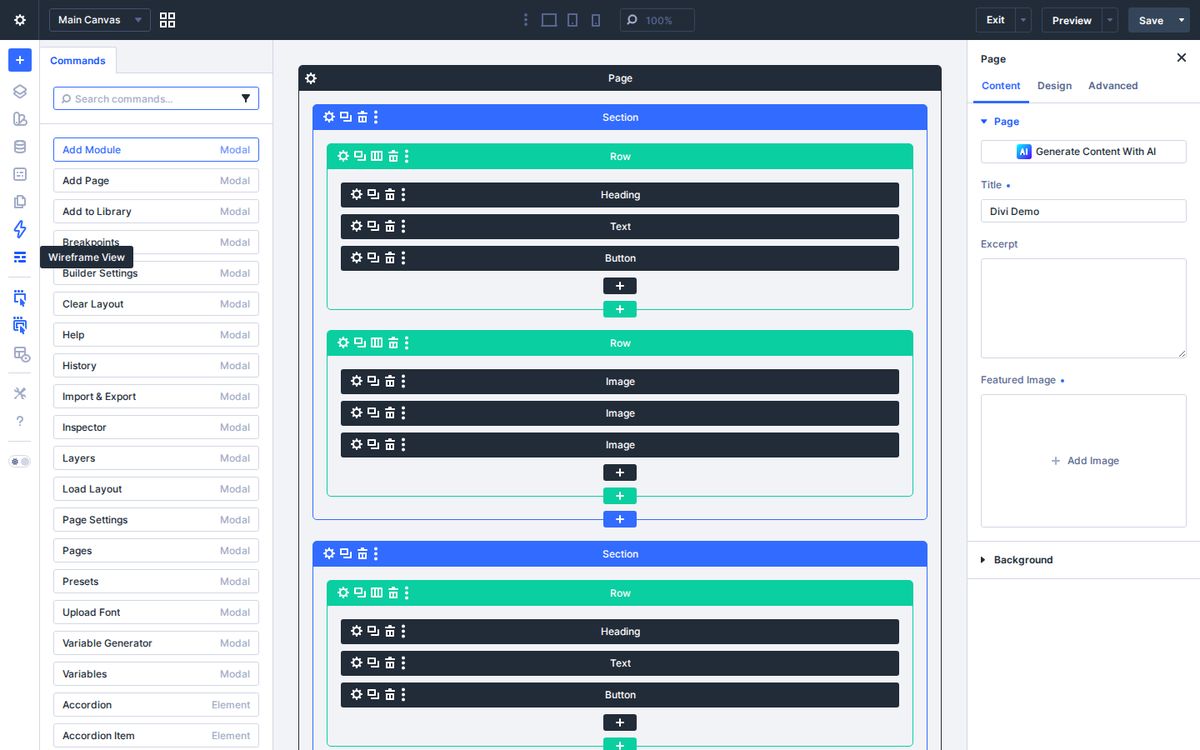
Create a page called Sermons and add a Blog module set to the Sermons category, or, in Divi 5, use the Loop Builder to design exactly how each sermon card looks. Show the featured image (your series graphic), the title, and the date. Turn on pagination.
Then add a few quick filters at the top: buttons for your current series, your last series, and “Browse by book.” Each one links to a tag page.
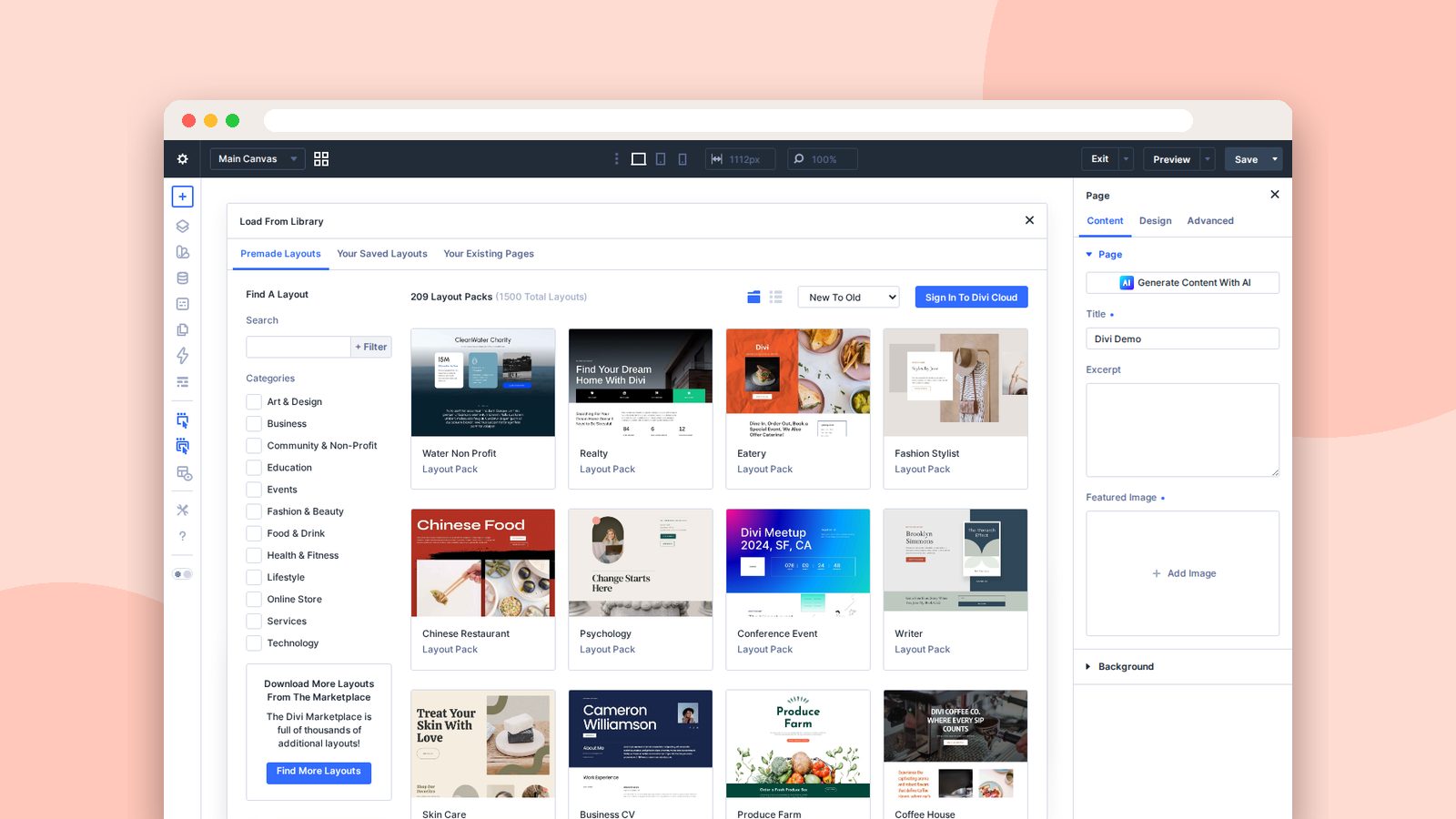
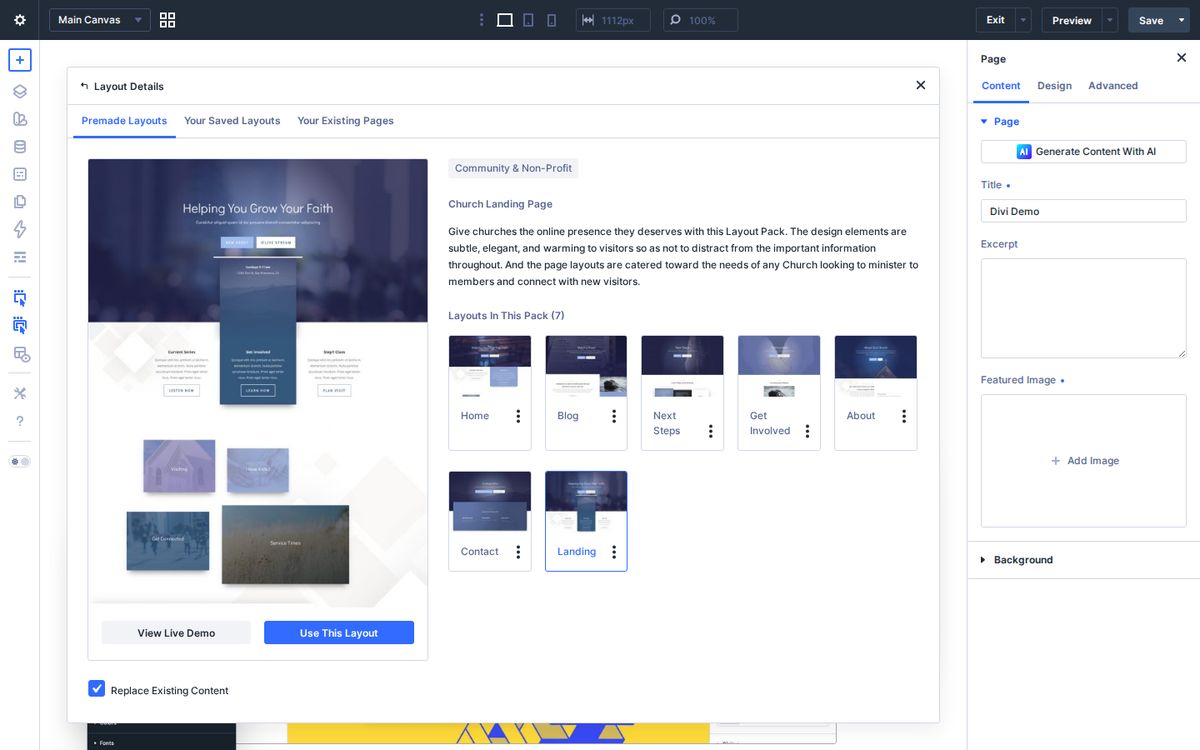
Want a head start on the design? The Church layout pack in Divi’s premade library includes a blog layout and a landing page with a “Latest Message” section you can adapt.
Step 4: Make your events page clean itself up
This is my favorite trick. Divi’s condition options let you show or hide any section based on the date and time.
Build your fall festival promo on the homepage, open its settings, and add a condition: display it only until the day after the festival. It disappears on its own. No more three-week-old promos. No more guests showing up for an event that already happened.
Do the same on your events page. Each event gets its own section with a date condition, and your page stays current even when you’re on vacation.
Step 5: Turn Sunday into a five-minute routine
With the structure in place, here’s the whole routine. Print it, tape it to your monitor, or tick it off right here each week (it resets when you click Start over).
Monday sermon upload routine
0 of 7 done
Done for the week. That took five minutes, didn't it?
Hand this list to a volunteer, and you’ve just given yourself back an hour every Monday.
Start small
You don’t have to upload three years of old sermons. Start with this Sunday. Build the template, post one sermon, and go forward from there. Add older sermons in batches when you have a quiet week (if that ever happens).
If you’re not on Divi yet, you can get it here. And if you want help building a content plan around your sermons, book a time with me.
My prayer for you is that your Mondays get a little lighter, and that the message preached on Sunday keeps reaching people all week long.
Frequently asked questions
How do I make a sermon archive in Divi?
Create a Sermons category in WordPress, design a Theme Builder template for posts in that category with dynamic content for the title, video, and date, and add a Blog or Loop module filtered to that category on your sermons page.
What is dynamic content in Divi?
Dynamic content fills a module with information from the post itself, like its title, date, featured image, or custom fields, so one template can display every sermon or event correctly.
Can Divi hide an event after it's over?
Yes. Divi's condition options can show or hide a section based on the date and time, so an event promo can disappear automatically after the event.