7 Divi Features Every Church Communicator Should Be Using
This post contains affiliate links to Elegant Themes. If you buy through them, I earn a small commission at no extra cost to you. Affiliate disclosure
Be honest: how much of Divi are you actually using?
Most church communicators I talk to use it the same way. They open a page, drag in a text module, type, save, and move on. That works. But it’s a little like buying a minivan and only ever using the cup holders.
Divi has features built for exactly the kind of work you do every week: repeating content, rotating volunteers, and never enough time. Here are seven I think every church communicator should be using. There’s a scorecard at the bottom. See how many you can tick.
1. Theme Builder templates
If you’re designing every sermon post or event page from scratch, stop. Divi’s Theme Builder lets you design a template once and apply it to every post of that type.
Build one template for sermons, one for events, and one for staff bios. From then on, adding a new sermon means filling in a title, a video link, and a date. The layout takes care of itself. This one feature alone can give you back an hour a week.
2. Design variables
Your church has a brand whether you like it or not. The question is whether your website shows it consistently.
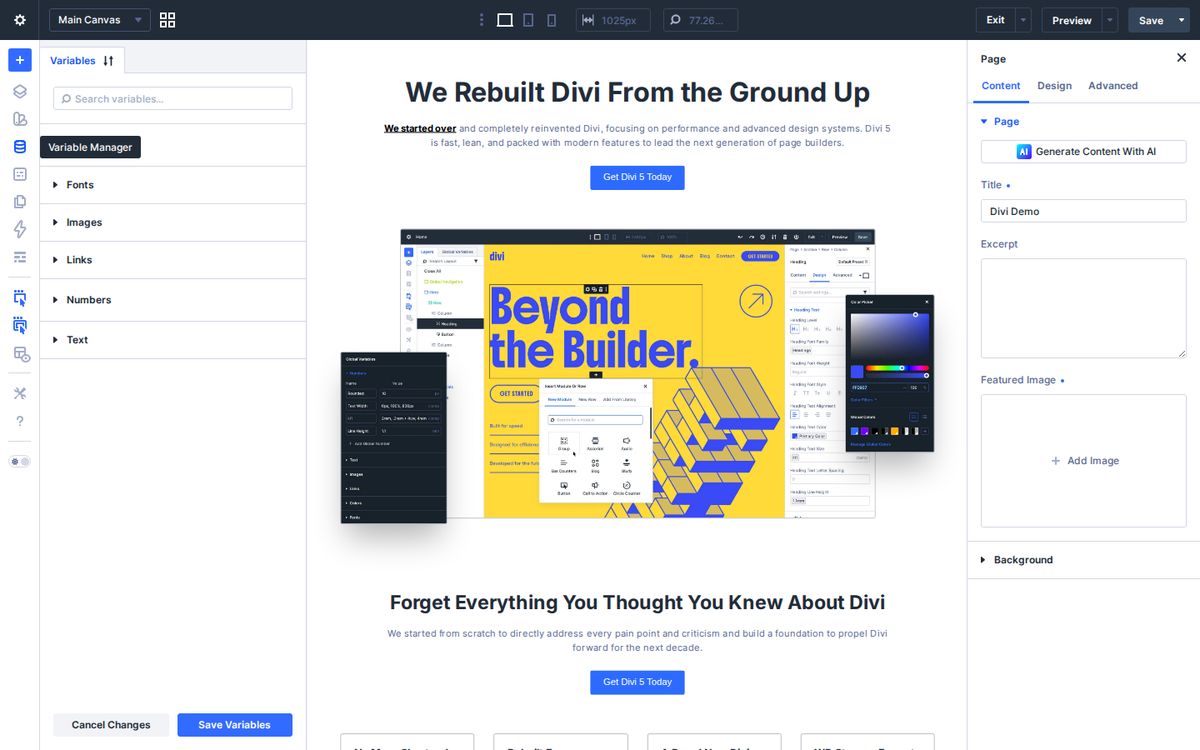
Divi 5’s design variables let you store your colors, fonts, and sizes in one place and use them everywhere. Change your primary blue next year? Change it once, and it updates across the whole site.
3. Presets
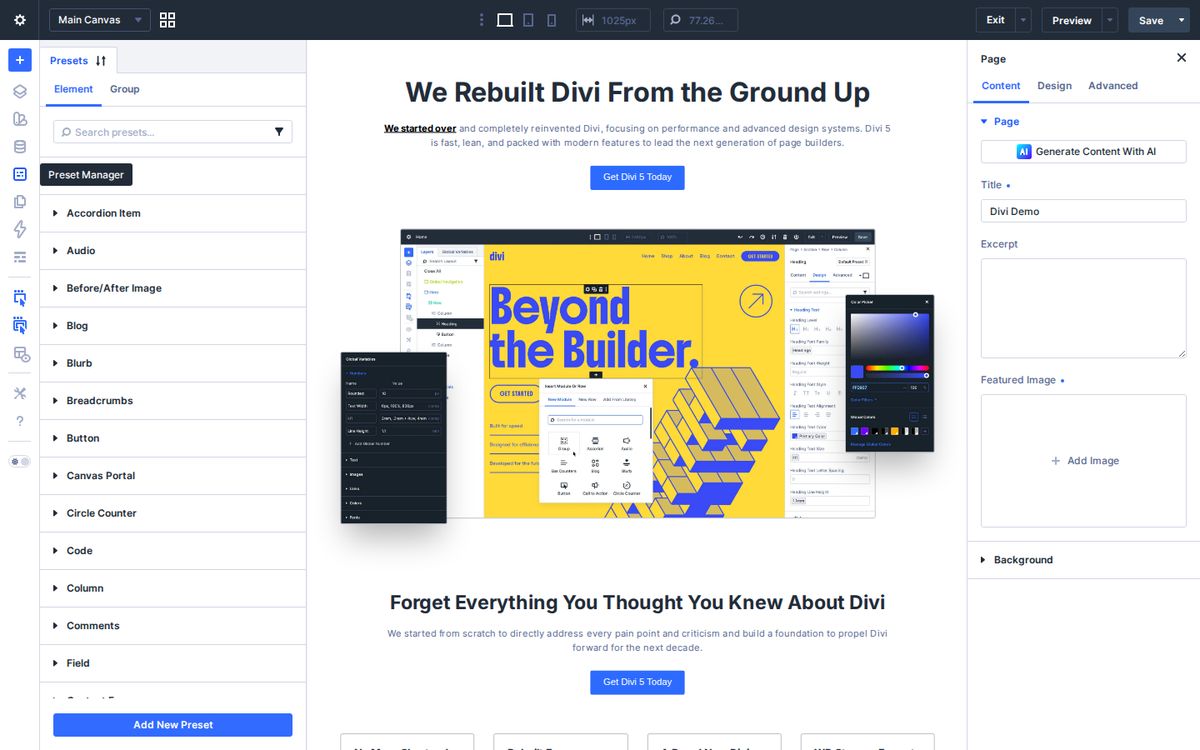
Variables handle single values. Presets save a module’s whole look: your button style, your heading style, your card style. Style it once, save it as a preset, and every new button you add looks right.
Decide once, and you never have to decide again.
4. The Divi Library
Every church website has sections that show up again and again: the “Plan a Visit” call to action, the service times block, the giving button.
Save those sections to the Divi Library as global items. Drop them onto any page. When your service times change for summer, update the global item once and every page updates with it.
5. The Role Editor
Here’s the scenario: a well-meaning volunteer is updating the youth page and accidentally deletes your header. It happens to all of us.
Divi’s Role Editor lets you decide what each WordPress user role can do in the builder. Let volunteers edit text and images while locking layouts and styles. Support them. Trust them. And protect them from breaking things.
6. Responsive editing
Most people visiting your church website are on their phone. Divi lets you adjust font sizes, spacing, and even hide or show sections separately for desktop, tablet, and phone. Click the phone icon at the top of the builder to switch.
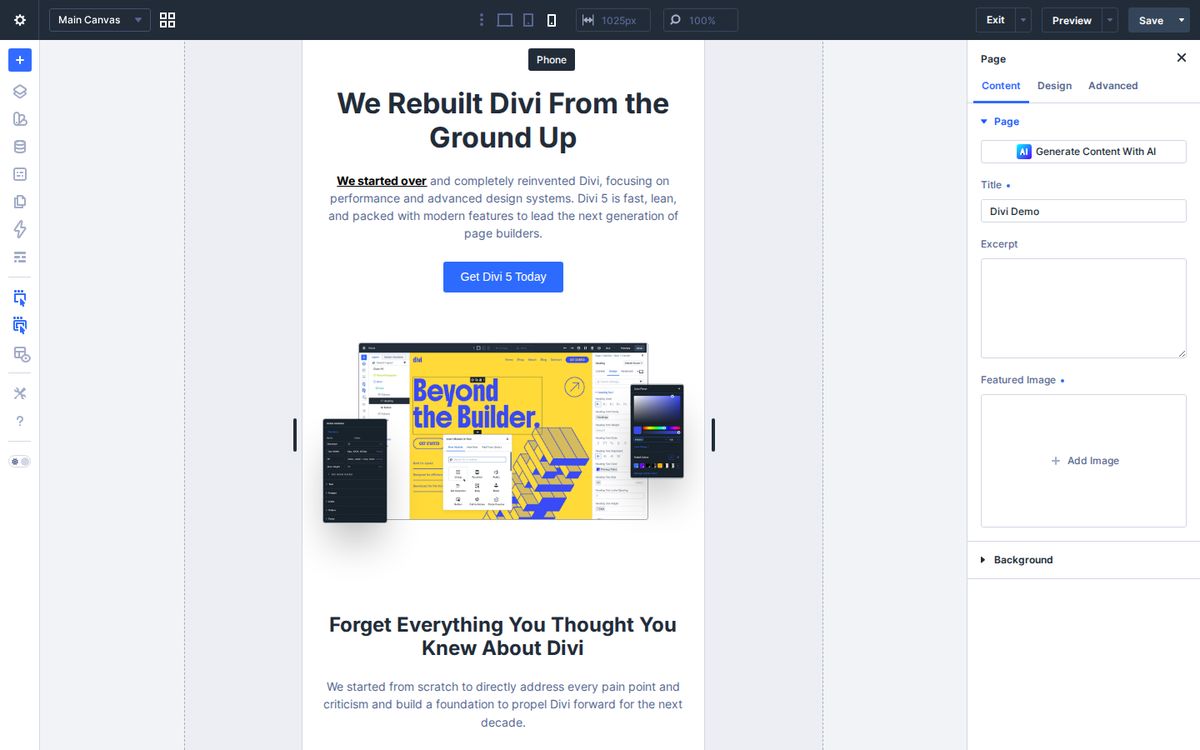
Once a month, open your site on your phone and look at it the way a first-time guest would. If a heading wraps awkwardly or a button is too small, fix it right there in the phone view.
7. Divi AI (and Bloom for email)
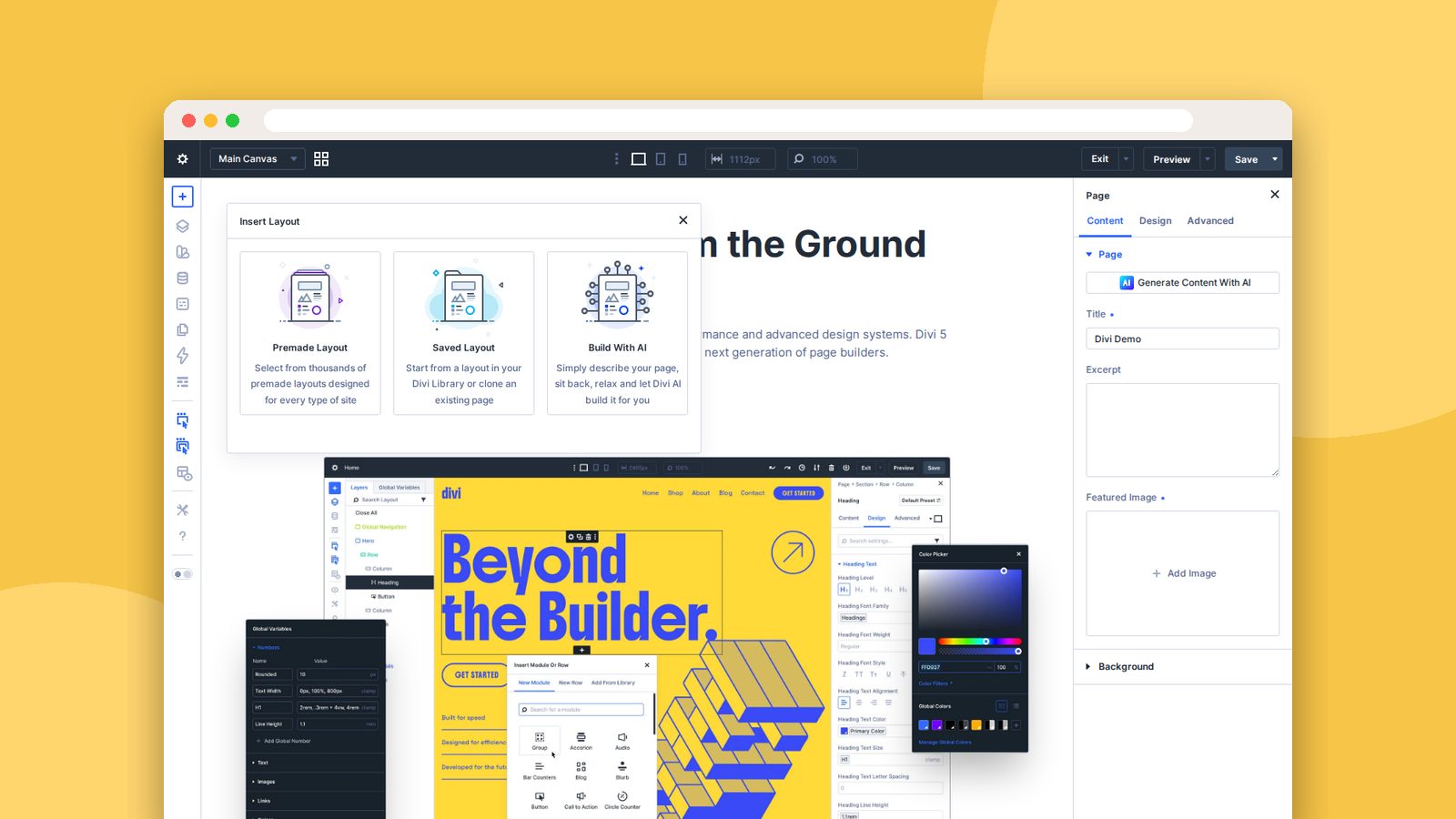
Divi AI works inside the builder. It can draft copy, generate images, write code, and even build a layout from a description. When you add a new section, you’ll see Build With AI right next to the premade layouts. It comes with the Divi Pro plan.
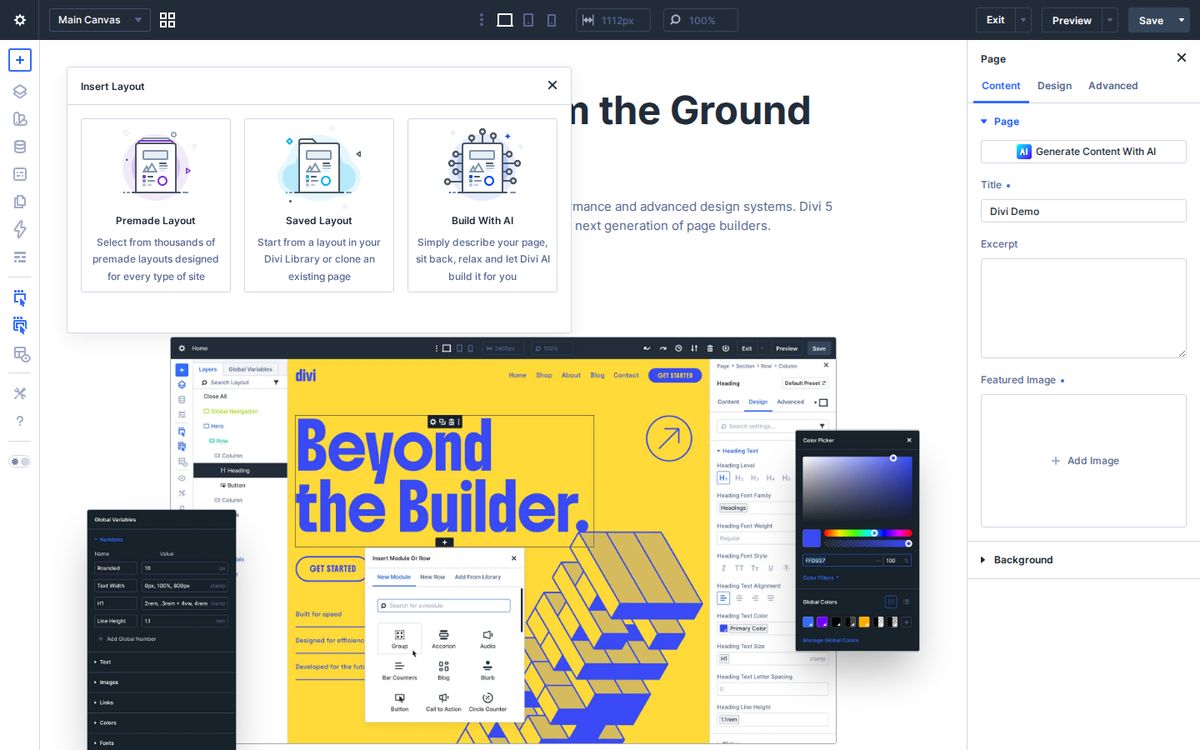
I talk a lot about AI and the church, and my advice here is the same as everywhere else: use it to get unstuck, not to replace your voice. Let it draft the first version of your VBS page, then rewrite it so it sounds like your church. Automate the temporary. Invest in the eternal.
And a bonus: every Elegant Themes membership includes Bloom, an email opt-in plugin. Most churches never turn it on. Add a simple signup to your Plan a Visit page: “Want a reminder and a parking map before your first Sunday? Drop your email here.” Now you’ve started a relationship before they ever walk through the doors.
Your Divi scorecard
How many are you using today? Tick what you’ve already set up. Whatever’s left is next month’s list.
Divi feature scorecard
0 of 7 done
All seven. You're getting your money's worth. Now go take a Friday afternoon off.
Pick one this week
Don’t try to set up all seven this week. That’s a recipe for a very long Tuesday.
Pick one. If you’re building a lot of repeat content, start with Theme Builder templates. If your site looks inconsistent, start with variables and presets. If volunteers help you, start with the Role Editor.
If you’re not on Divi yet, you can get it here.
My prayer for you, church communicator, is that the tools you use would give you back time, and that you’d spend that time on the people God has put in front of you.
Frequently asked questions
What is the Divi Theme Builder?
The Theme Builder lets you design templates for headers, footers, blog posts, and other page types once, then apply them across your whole site automatically.
What are presets and design variables in Divi 5?
Design variables store values like your brand colors, fonts, and sizes in one place. Presets save a module's whole style, like your button design, so you can reuse it anywhere. Change either one and every place that uses it updates.
Does Divi have AI features?
Yes. Divi AI can draft text, generate images, write code, and build layouts inside the builder. It's included with the Divi Pro plan.
Can I stop volunteers from breaking our church website design?
Divi's Role Editor lets you limit what each WordPress user role can change in the builder, so volunteers can edit content without changing layouts or styles.