How to Build a Coach, Consultant, or Speaker Website with Divi
This post contains affiliate links to Elegant Themes. If you buy through them, I earn a small commission at no extra cost to you. Affiliate disclosure
Someone just heard you speak, or read your LinkedIn post, or got your name from a friend. They liked what they heard. Now they’re on your website, deciding whether to book a call.
What do they find?
If you’re a coach, consultant, or speaker, your website has one job: turn that moment of interest into a conversation. It’s not a digital brochure. It’s the bridge between “I’ve heard of you” and “Let’s talk.”
I recommend Divi by Elegant Themes for this because you can build it yourself, change it whenever your offer changes, and never pay a developer to swap a headline.
Make your client the hero
Here’s where most consultant websites go wrong: they’re all about the consultant. My background. My certifications. My methodology.
Flip it. Your client is the hero of the story. You’re the guide who helps them win. Your homepage should answer three questions, in this order:
- Who do you help? Be specific. “Executive directors of small nonprofits” beats “organizations.”
- What changes for them? The result, in their words.
- What’s the next step? One clear button.
Your background matters, but it belongs on the about page, as proof you can deliver.
Start from a layout pack
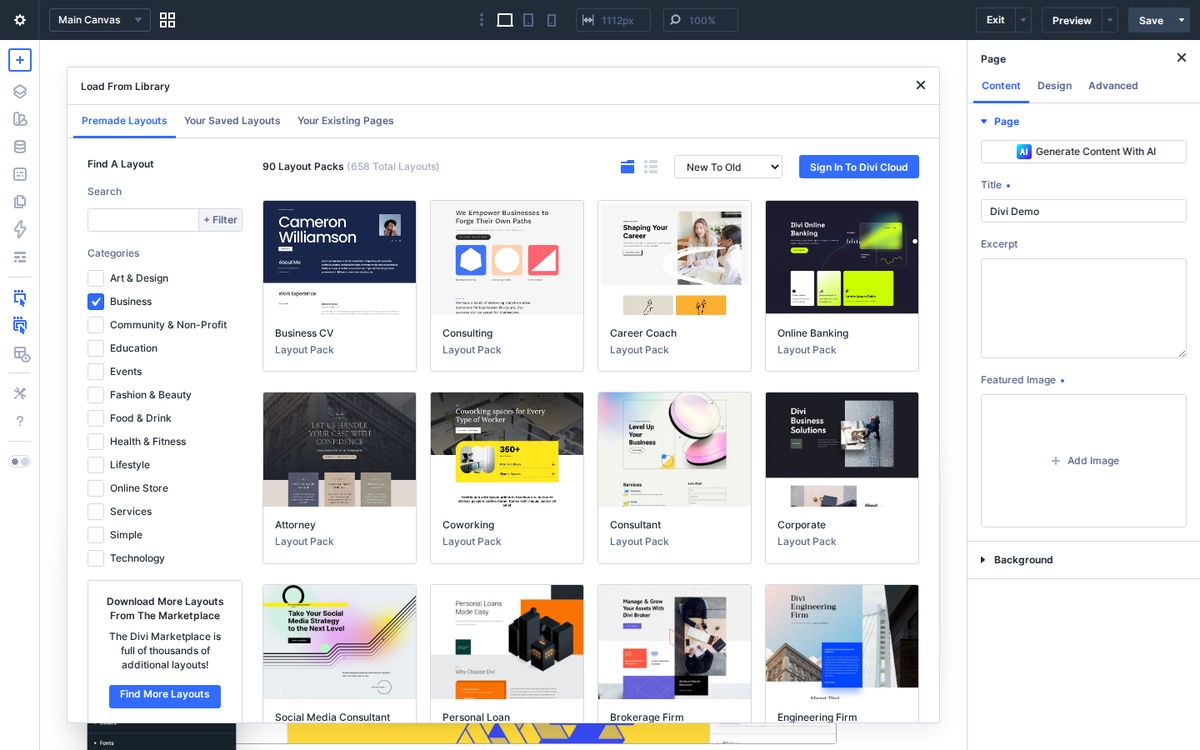
Filter Divi’s premade layout library by Business and you’ll find packs for consultants, career coaches, business CVs, consulting firms, attorneys, and social media consultants.
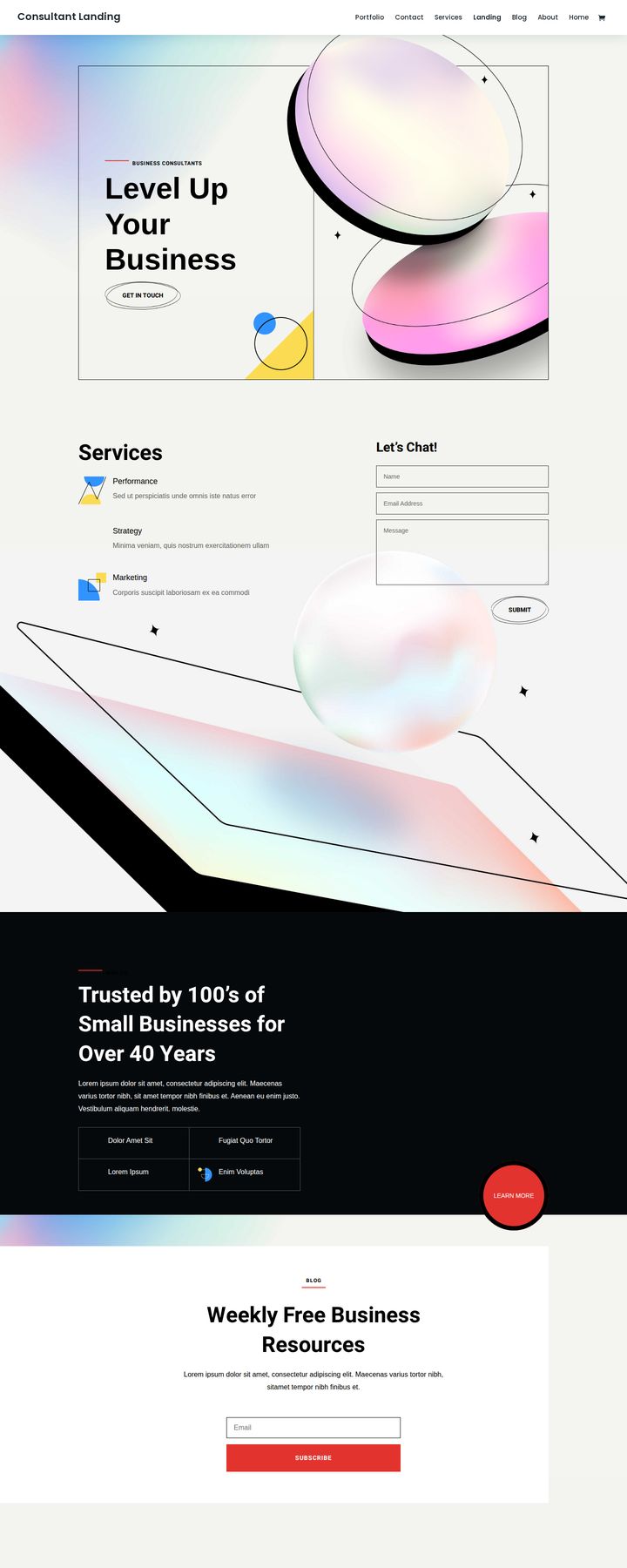
The Consultant pack is a strong starting point, with a services section and a contact form right on the landing page:
Check your homepage
Open your homepage (or the layout you’re starting from) and tick what’s already there:
Consultant homepage checklist
0 of 6 done
Your homepage is doing its job. Now send your next speaking audience straight to it.
Build the pages that book calls
Work With Me. List your offers plainly: what it is, who it’s for, what they get, and how to start. Use Divi’s pricing table module if you publish prices, or blurbs if you don’t.
About. Your story, told as proof. Why you do this work, who you’ve done it for, and what you believe. Add a real photo.
Speaking page (if you speak). Event planners want to decide fast. Give them your topics, a short video clip, your bio in two lengths, your headshot to download, and past events. Use Divi’s video module and tabs module to keep it tidy.
Free resource. Not everyone is ready to book. Offer a checklist, guide, or mini-course in exchange for an email address. Every Elegant Themes membership includes Bloom for opt-in forms, so you don’t need another subscription.
Book a call. Embed your booking tool (I use TidyCal; Calendly works too) with a Divi code module, and point every “Book a Call” button on the site to this page.
Proof beats promises
Anyone can say they’re great at what they do. Show it instead.
- Testimonials. Use Divi’s testimonial module with a name, title, and photo (with permission).
- Logos. If you’ve worked with organizations people recognize, add a simple logo row.
- Results. Specific, true outcomes. Never inflate a number.
Put proof on every page, not just a testimonials page. It belongs right next to every button.
Start small
You don’t need everything at once. This week, build your homepage and your booking page. Next week, add your work-with-me page. Add the speaking page and free resource after that.
If you’re ready, get Divi here. The 30-day money-back guarantee makes it low-risk to try. And if you’d like a second set of eyes on your positioning or your community strategy, book a time with me.
Your expertise can change things for people. Make it easy for them to find you and say yes.
Frequently asked questions
Is Divi good for coaches and consultants?
Yes. Divi has consultant, coach, business, and CV layout packs, a testimonial module for social proof, and it works with booking tools and email platforms, so you can build a site that books calls without a developer.
What pages does a consultant website need?
A homepage that says who you help and how, a services or work-with-me page, an about page, a speaking page if you speak, a free resource with an email signup, and a booking or contact page.
How do I add booking to a Divi website?
Most booking tools, like TidyCal or Calendly, give you an embed code. Paste it into a Divi code module on your booking page and link every Book a Call button to that page.