How to Build a Donation-Ready Nonprofit Website with Divi
This post contains affiliate links to Elegant Themes. If you buy through them, I earn a small commission at no extra cost to you. Affiliate disclosure
Think about the last time you gave to a cause online. You probably saw a story on social media, tapped a link, and landed on a website. Within a few seconds, you decided whether to give or scroll on.
That’s the moment your nonprofit’s website has to win. And for most small nonprofits, the website is losing it, not because the mission isn’t compelling but because the site is slow, cluttered, or impossible to update.
When nonprofits ask me what to build on, I recommend Divi by Elegant Themes. Here’s why, and here’s how to build a website that turns a curious visitor into a donor or volunteer.
Why Divi fits the way nonprofits actually work
Most nonprofits are a small staff, a rotating crew of volunteers, and a board that wants to see results. Your website has to survive all three.
- Anyone can update it. Divi’s visual builder means your program director can post an update without calling “the web person.”
- The budget is predictable. Divi has a one-time lifetime option. No surprise renewal fees in year three when the grant money is tight.
- One license, unlimited sites. Running a separate site for your annual gala or a new program? Same license.
- It grows with you. Because it’s WordPress, you can add donation, event, and email tools as you need them.
Don’t start from a blank page
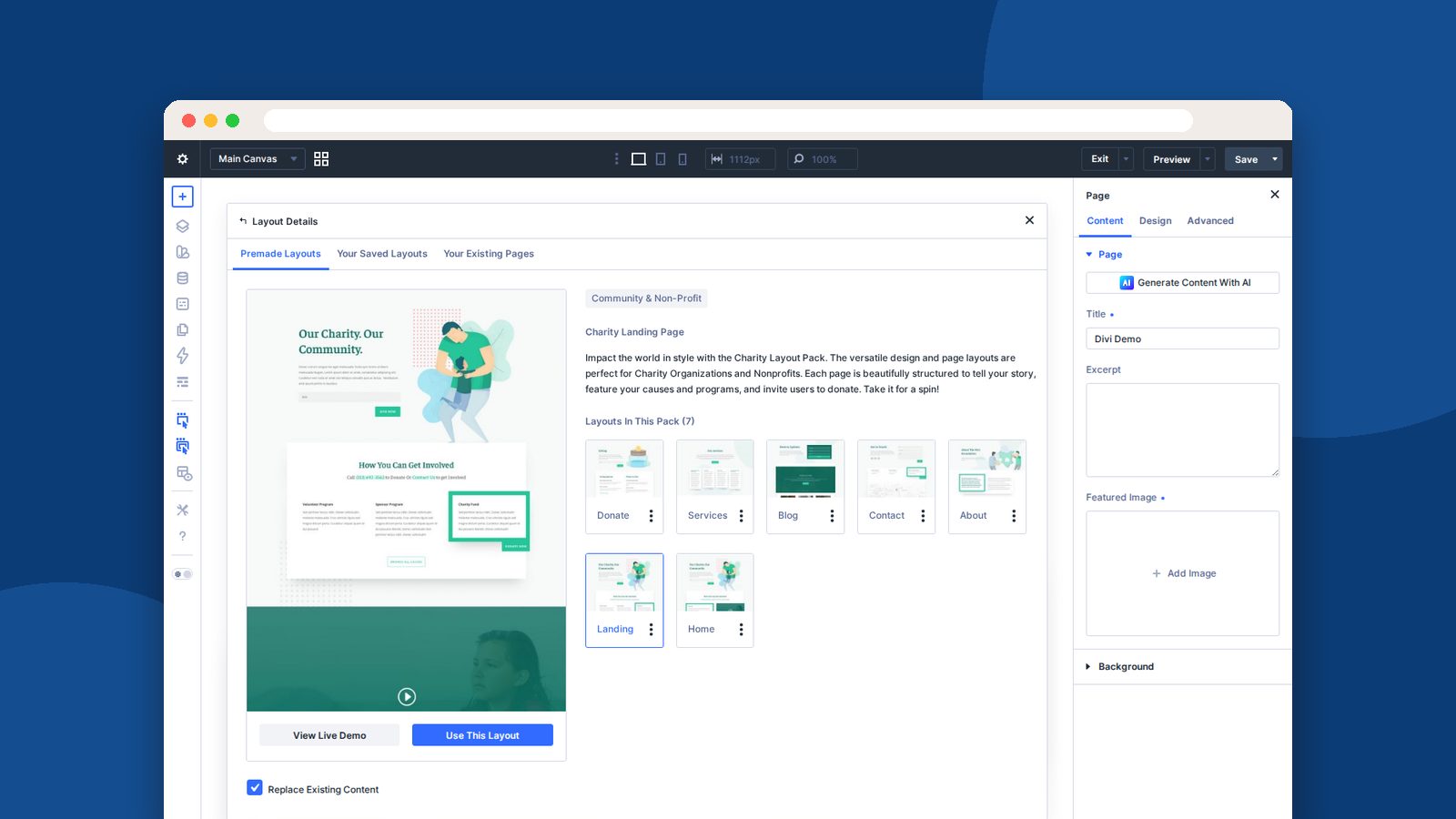
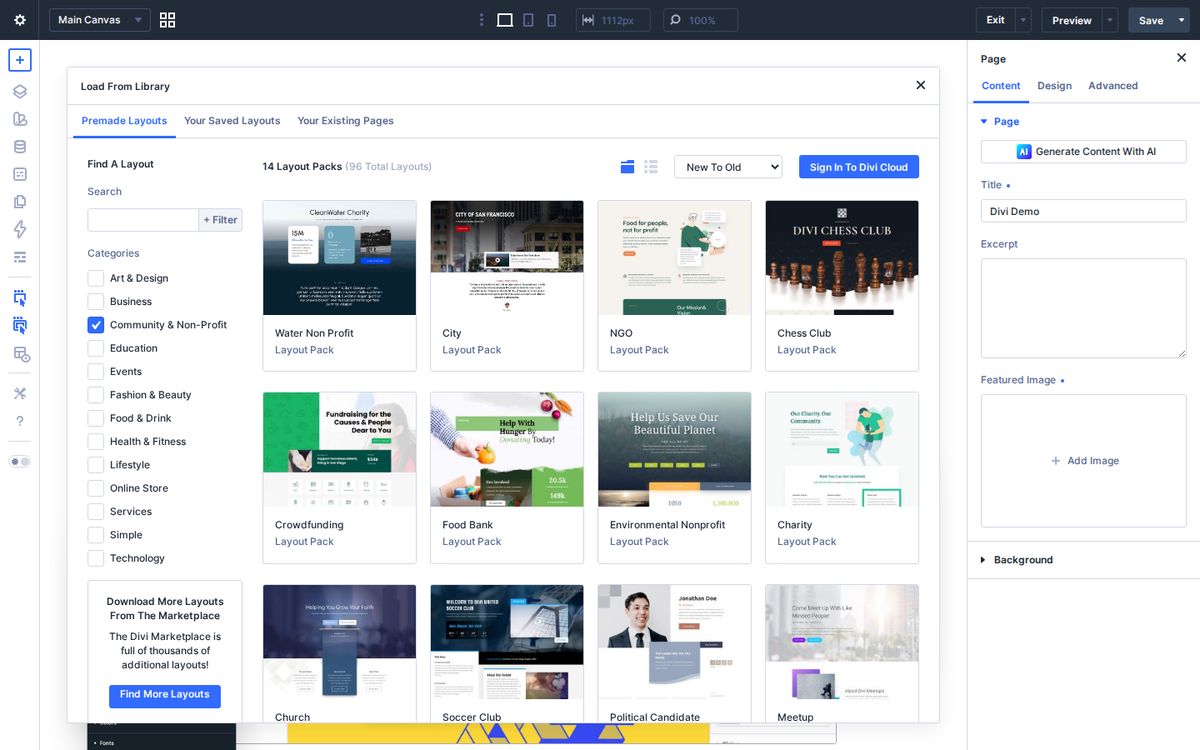
Divi’s free layout library has a whole Community & Non-Profit category: charity, food bank, environmental nonprofit, crowdfunding, NGO, animal shelter, and more. Each pack comes with a full set of pages, including donate and volunteer pages.
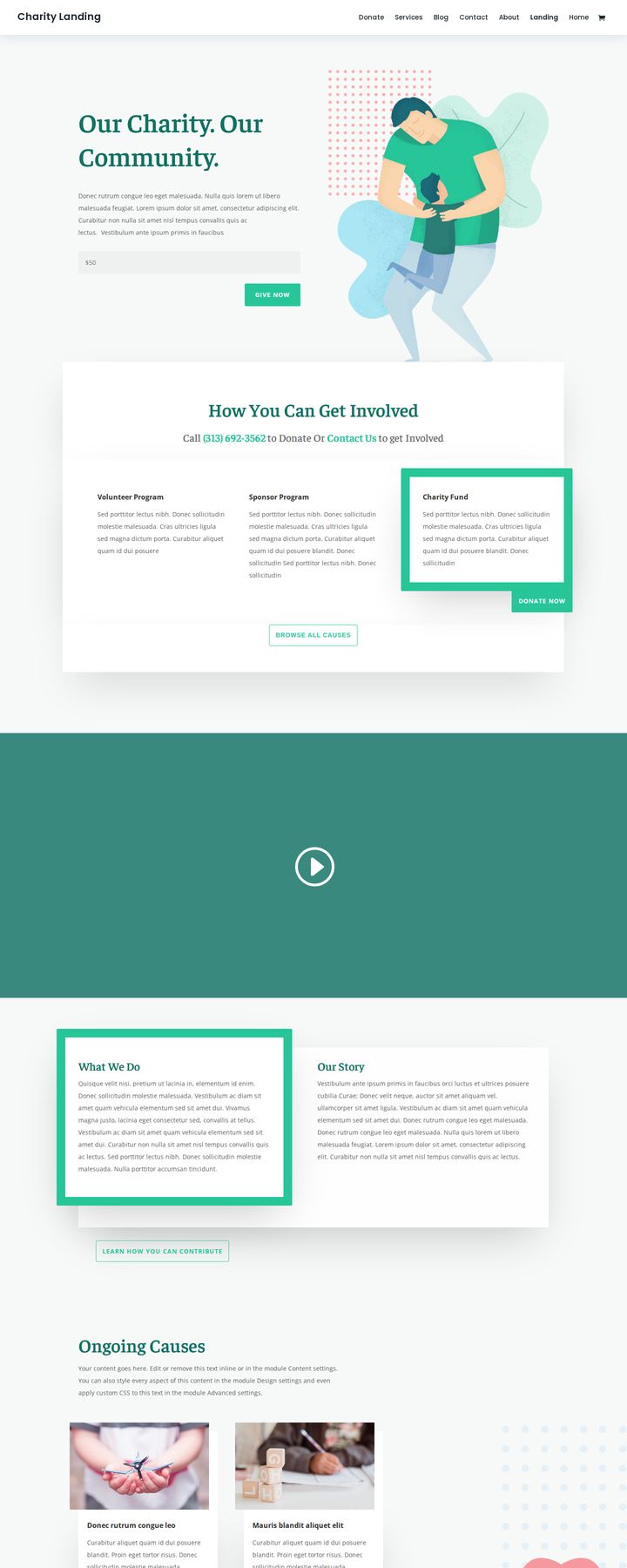
The Charity pack is a great place to start. It includes donate, services, blog, contact, about, home, and landing pages.
Start with your story, not your org chart
Here’s the hard truth: nobody gives to an organization. People give to a story they want to be part of.
Your homepage should make the person you serve the hero, and invite the visitor to be the guide who helps. Before you change a single word in that layout pack, write three sentences:
- The problem. Who is hurting, and how?
- The solution. What you do about it, in plain words.
- The invitation. What the visitor can do today.
Clear, not cute. “We provide weekend meals to kids in our county who would otherwise go hungry” beats “Nourishing futures, one bite at a time” every time. Use your real numbers, and only numbers you can back up.
Build the five pages that do the work
Homepage. Put a real photo at the top (with permission from the people in it), your three sentences, and two buttons: “Give” and “Volunteer.” Use Divi’s number counter module to show impact you can verify, like meals served or families housed.
Donate page. This is the page that pays the bills, so remove every distraction. Embed the donation form from the giving platform you already use, or add a WordPress donation plugin, and let Divi style the page around it. Tell donors exactly what their gift does, but only if it’s true for your program.
Impact or stories page. Build a Theme Builder template for stories once, then add a new one every month. A photo, a short story, a quote. Over a year, that page becomes your best fundraising tool.
Volunteer page. List your roles, the time commitment, and a simple sign-up form. Divi’s built-in contact form works for simple sign-ups.
About page. Your team, your board, and your financial accountability. Donors want to know their money is stewarded well. Link to your annual report or your public financial filings.
Is your donate page ready?
Run your donate page through this checklist. Be honest. If you can’t tick a box, that’s your to-do list for the week.
Donate page checklist
0 of 8 done
Your donate page is ready. Now send people to it: add the link to your email signature and your next three social posts.
Capture email before people leave
Most first-time visitors won’t give on their first visit. That’s okay. Your goal is to keep the conversation going.
Every Elegant Themes membership includes Bloom, an email opt-in plugin, so you don’t need to pay for a separate popup tool.
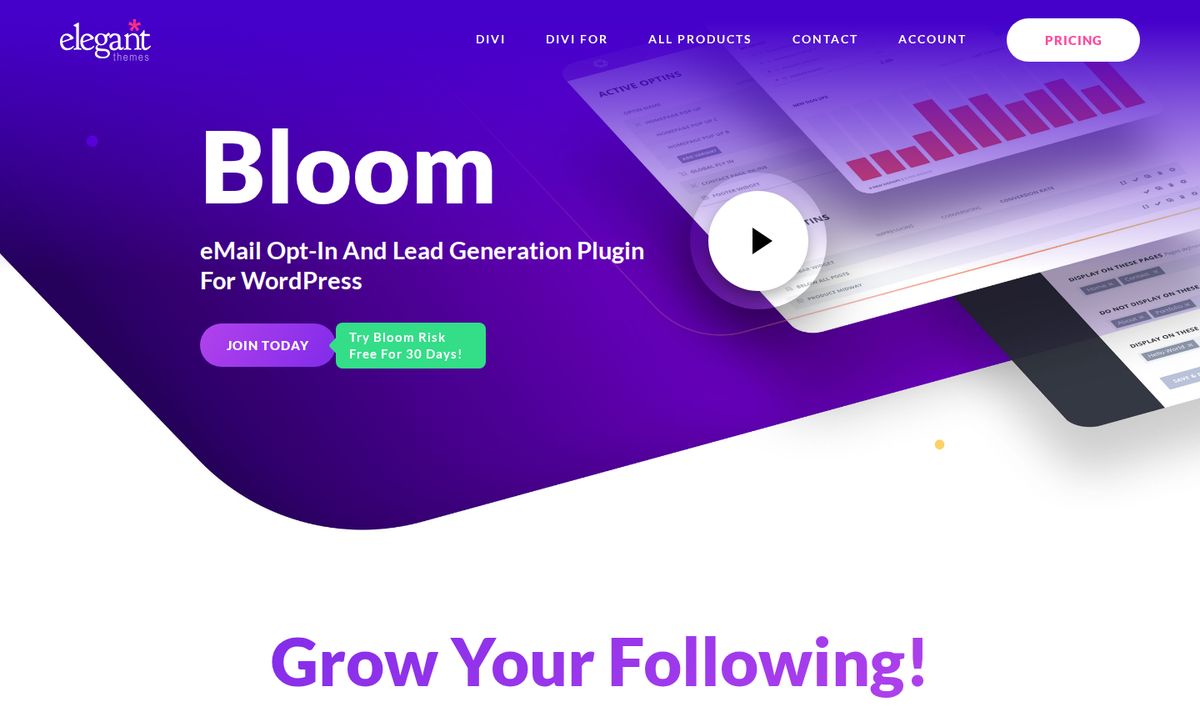
Add a simple “Get one story a month” signup to your stories page and footer, and connect it to your email platform. A monthly email with one story and one ask will outperform a website that just sits there waiting.
Keep it fresh without burning out
A nonprofit website dies the day the one person who knew how to update it leaves. Don’t let that happen to yours.
- Set global styles once. Define your colors, fonts, and buttons in Divi before you build, so every new page looks right automatically.
- Save reusable sections. Save your donation call-to-action section to the Divi Library and drop it at the bottom of every page.
- Write it down. Keep a one-page “how to update our website” doc with screenshots. Train two volunteers, not one.
Start small
You don’t need to rebuild everything this month. Start with your homepage and your donate page. Those two alone will make a difference. Then add a story a month.
If you’re ready to get started, get Divi here. Elegant Themes offers a 30-day money-back guarantee, so you can try it with your team and see if it fits. And if you’d like help thinking through your nonprofit’s communication strategy, book a time with me.
Your mission deserves a website that works as hard as you do. Let’s build one.
Frequently asked questions
Is Divi good for nonprofit websites?
Yes. Divi's visual builder lets small nonprofit teams and volunteers update pages without a developer, the lifetime plan avoids recurring theme costs, and one license covers unlimited websites.
Does Divi have nonprofit templates?
Yes. Divi's free layout library has a Community and Non-Profit category with layout packs for charities, food banks, environmental nonprofits, crowdfunding, NGOs, and animal shelters.
Can I take donations on a Divi website?
Yes. Divi works with WordPress, so you can embed a donation form from the giving platform you already use or add a WordPress donation plugin, then style the surrounding page in Divi.
What pages does a nonprofit website need?
At minimum, a homepage that states your mission, an impact or stories page, a donate page, a volunteer page, and an about page with your team and financial accountability.