Why Divi Is Still My Pick for Freelance Web Designers
This post contains affiliate links to Elegant Themes. If you buy through them, I earn a small commission at no extra cost to you. Affiliate disclosure
Back in 2015, I wrote that for most of my clients, I used Divi by Elegant Themes. I was a little wary of themes at the time, because I love to code. But some websites are so straightforward that a good builder is simply the right tool.
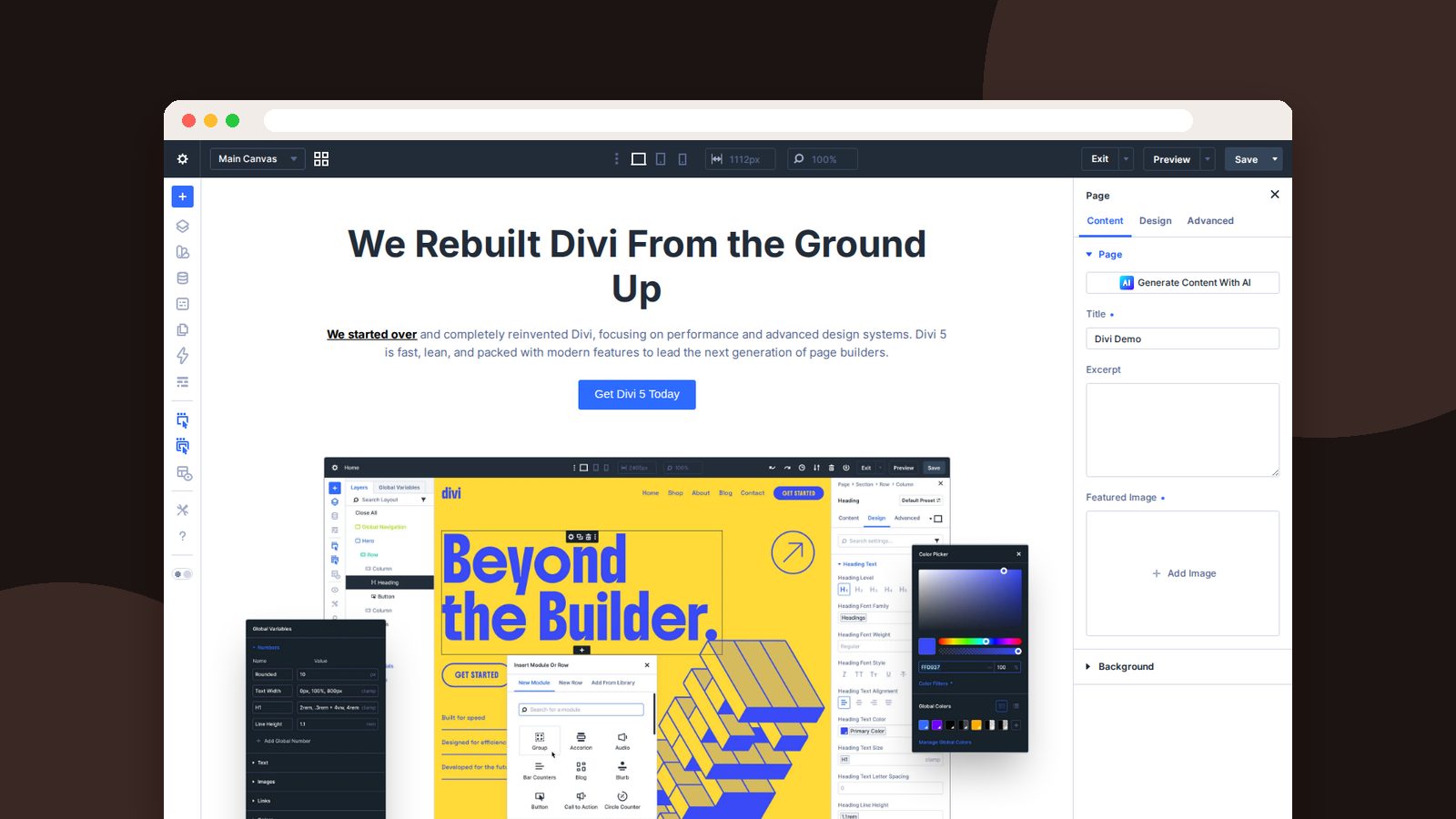
A lot has changed since then. Divi has been rebuilt from the ground up as Divi 5. What hasn’t changed is why I recommend it to freelancers: it lets you build client sites fast, hand them off with confidence, and not get a panicked call every time the client wants to change a photo.
Reason 1: Unlimited sites on one license
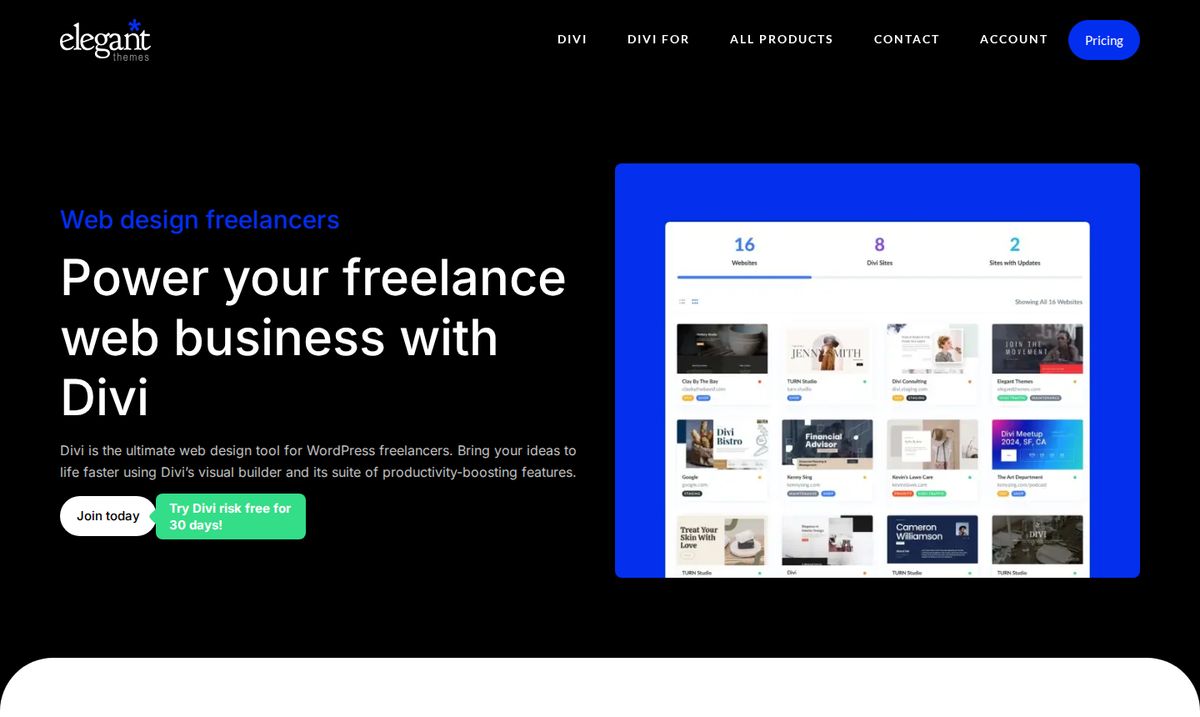
This is the business case in one line. Every Divi plan covers unlimited websites, including client sites. Buy the lifetime plan once and your theme cost per client drops toward zero as your roster grows.
Here’s the math over the years you expect to keep freelancing. Toggle on Pro if you want the AI, Cloud, and team tools I cover below:
Yearly or lifetime? Run your numbers
Pay yearly
Lifetime
Divi prices as of September 2026: $89/year or $249 once; Divi Pro is $277/year. With Pro, the yearly column is Divi Pro and the lifetime column is Divi Lifetime + Pro ($297 once) plus $212 for each year you keep the Pro services, counted every year to be safe. Check current pricing before you buy.
Reason 2: Clients can actually edit it
The fastest way to lose a client is to hand them a website they’re afraid to touch. With Divi, they click on the words on the real page and type. That’s it.
And you stay in control. Use the Role Editor to lock layouts and styles for the client’s user role, so they can update content without breaking your design. Fewer emergency calls, happier clients.
Reason 3: Your design system travels with you
This is where Divi 5 really earns its place for freelancers. Build your system once, then reuse it on every project:
- Design variables hold the client’s colors, fonts, and sizes in one place.
- Presets save your styles for buttons, headings, and cards.
- The Theme Builder handles headers, footers, and templates.
- Divi Cloud (with Pro) stores your layouts, sections, and presets so you can pull them into any client site.
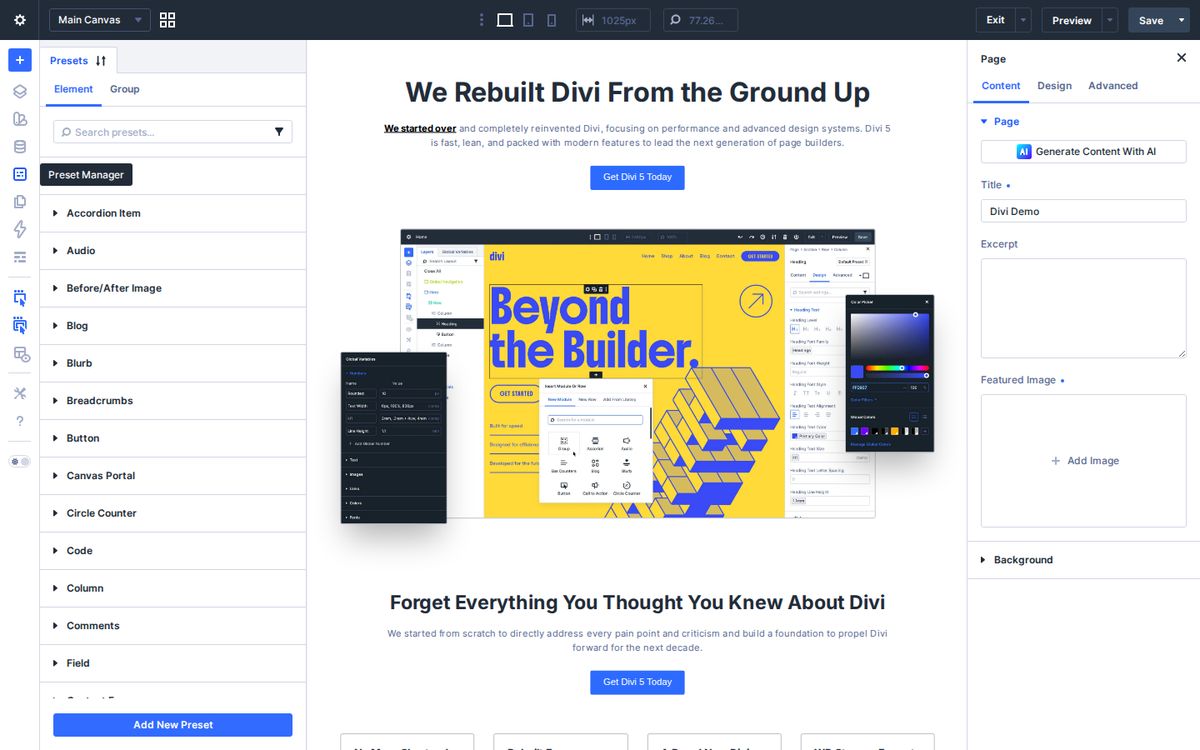
When the client rebrands next year, you change a handful of variables instead of hunting through fifty pages. That’s a billable hour saved, or a happier client, or both.
Reason 4: Faster starts for every niche
Clients come in all shapes. Divi’s premade library covers most of them: churches, nonprofits, restaurants, realtors, consultants, repair services, and hundreds more.
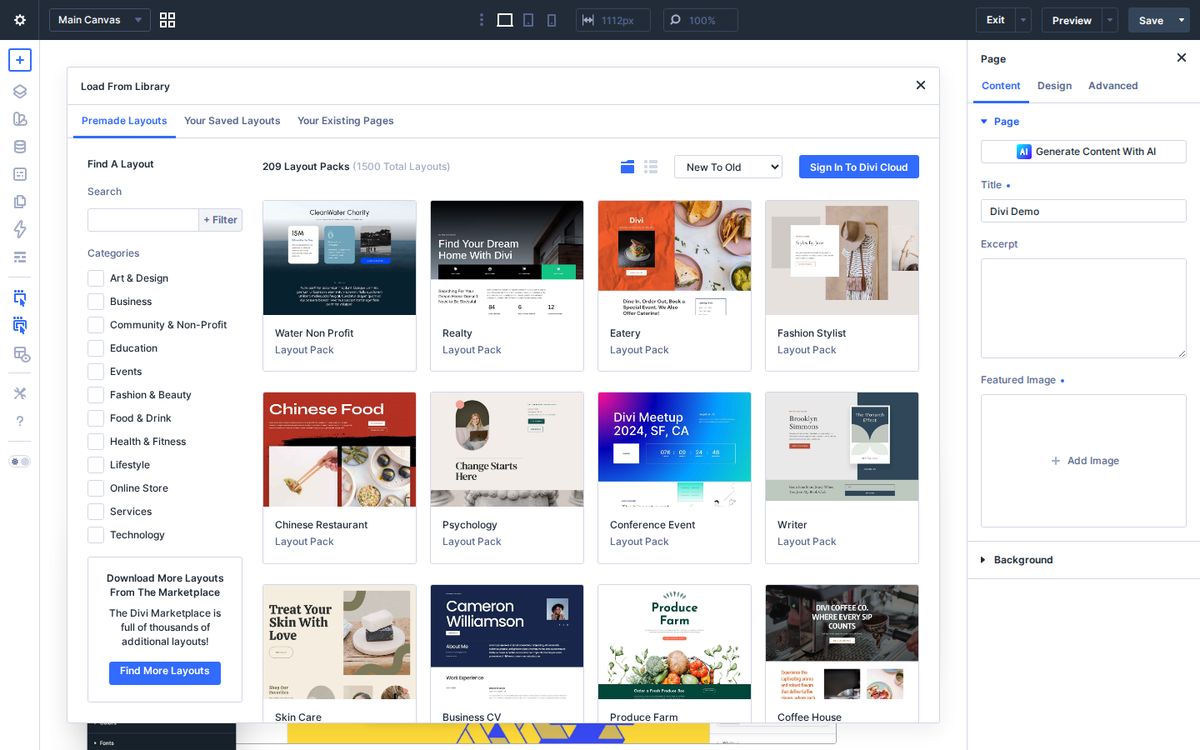
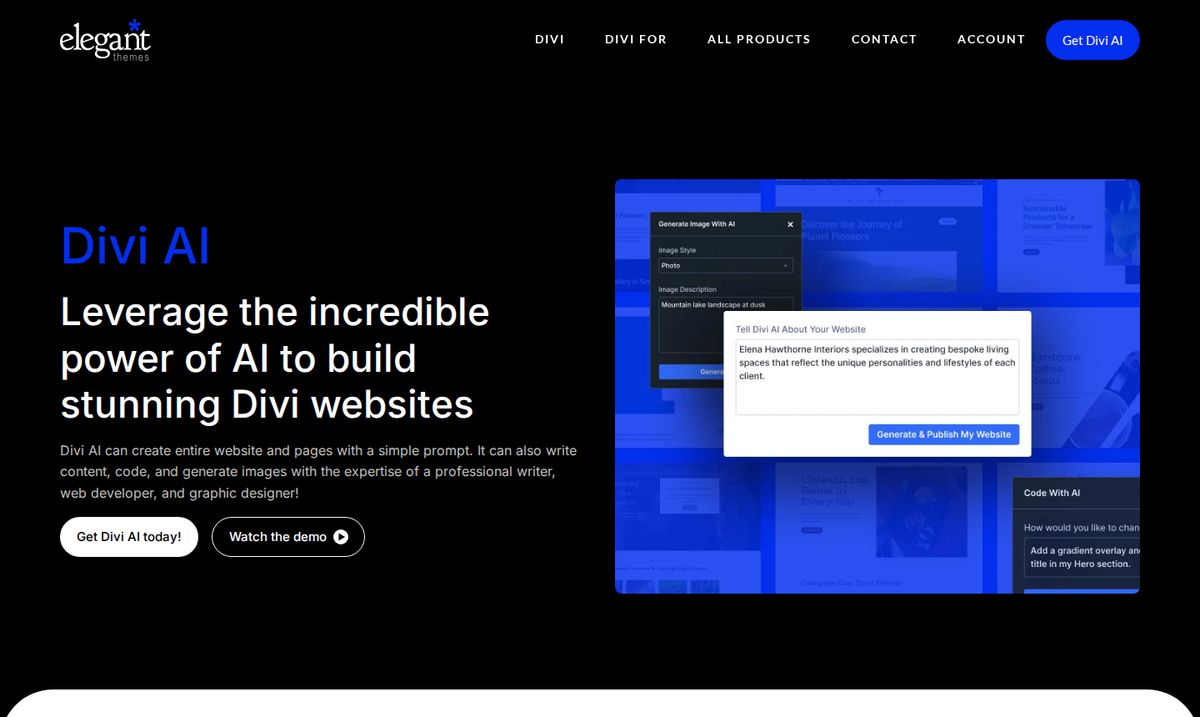
For a faster first draft, Divi Quick Sites can generate a whole starter site from a description, and Divi AI can build individual sections. I treat both as a head start, never the finished product. Your judgment is what the client is paying for.
Reason 5: Pro tools for growing teams
When you’re ready to grow, Divi Pro bundles the tools that matter for client work:
- Divi AI for text, images, code, and layouts inside the builder.
- Divi Cloud for your reusable library across every site.
- Divi VIP for faster support when a client site needs help now.
- Divi Teams seats so collaborators can access your account.
The client handoff checklist
Here’s the checklist I recommend running before you hand any Divi site to a client. It saves you from the “quick question” emails later.
Client handoff checklist
0 of 9 done
Ready to hand off. Send the invoice and the walkthrough video in the same email.
That last item matters. A simple maintenance plan turns one-time projects into recurring revenue, and it keeps your client’s site secure and current.
Start with your next project
You don’t need to rebuild your whole process. Use Divi on your next client site, build your variables and presets as you go, and save them. By the third project, you’ll feel the difference.
If you’re ready, get Divi here. And if you serve churches or nonprofits and want to talk about the communications strategy behind the websites you build, book a time with me.
Build well, hand off with care, and your clients will keep coming back.
Frequently asked questions
Can I use Divi on client websites?
Yes. Every Divi plan allows unlimited websites, including sites you build for clients, so one purchase covers your whole client roster.
What does Divi Pro add for freelancers?
Divi Pro adds Divi AI for generating text, images, code, and layouts, Divi Cloud for storing layouts and presets you can use on any site, VIP support with faster response times, and Divi Teams seats for collaborators.
Is Divi easy for clients to edit?
Yes. Clients edit visually on the real page, and you can use the Role Editor to limit what they can change so they can update content without breaking the design.