How to Build a Church Website with Divi: A Step-by-Step Guide
This post contains affiliate links to Elegant Themes. If you buy through them, I earn a small commission at no extra cost to you. Affiliate disclosure
It’s Tuesday afternoon, and someone on staff just said the words every church communicator dreads: “We really need a new website.” Everyone nods. Nobody volunteers. And somehow it lands on your desk, right next to the bulletin, the slides, and the Easter plan.
Take a breath. You can do this, and you don’t need to hire a developer to do it well.
I’ve recommended Divi by Elegant Themes to churches for years, and I still do. It’s a WordPress theme with a visual, drag-and-drop builder. You click on the thing you want to change, and you change it. That matters for a church, because the person updating your website next year probably won’t be the person building it this year.
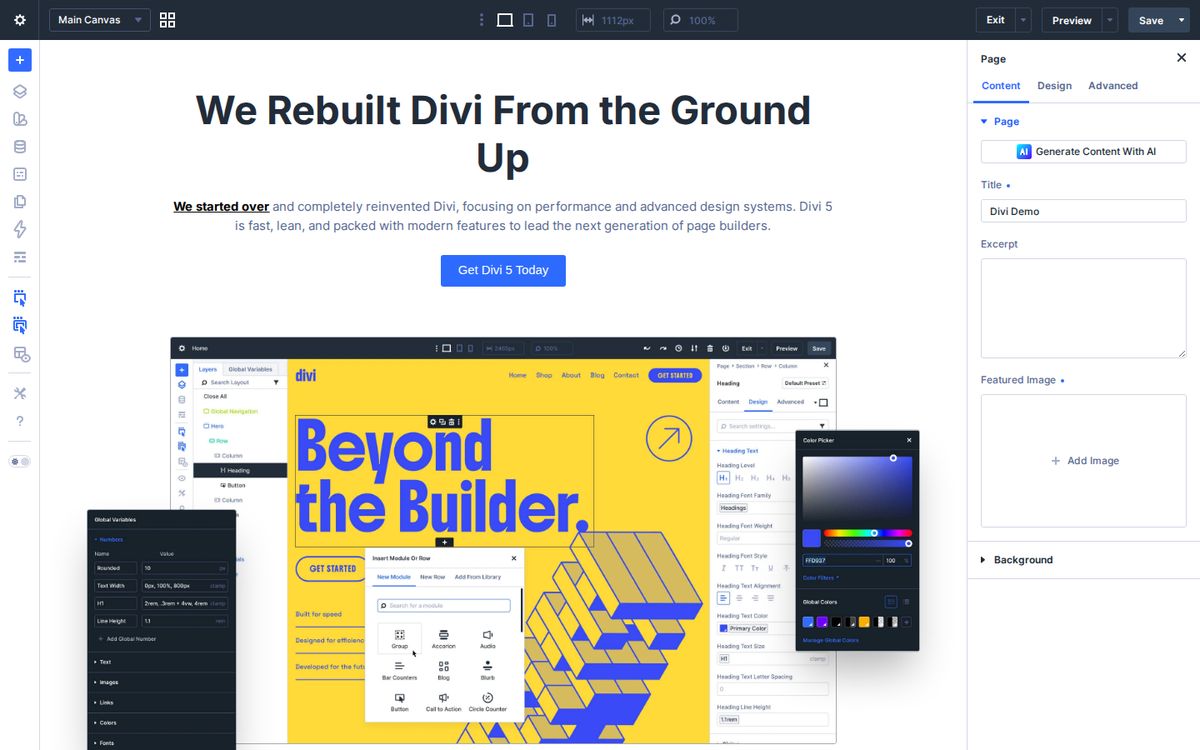
Here’s the plan I walk churches through. There’s a checklist at the end you can tick off as you go.
Step 1: Start with why, not with a template
Before you open Divi, answer one question: who is this website for?
It’s not for your members. They already know when you meet. Your website is for the person who just moved to town, Googled “churches near me,” and is quietly wondering, “Is this a place for me?” That person is the hero of your website. Your church is the guide.
Write down three things that person needs to know in the first ten seconds. For most churches, it’s what kind of church you are, when and where you meet, and what happens with their kids. Keep that list next to you the whole time you build.
Step 2: Get your foundation in place
You need three things before you design anything:
- A domain name. Ideally your church’s name, short and easy to spell.
- WordPress hosting. Pick a reputable host that offers one-click WordPress installs and automatic backups.
- Divi. Buy it from Elegant Themes, then upload and activate it under Appearance → Themes.
I will almost always recommend the lifetime Divi plan for churches. You pay once, and updates and support never expire. That means no surprise renewal line item in next year’s budget. One license covers unlimited websites, so your camp, school, or church plant can use it too. Not sure? Slide this to how long you expect your site to last:
Yearly or lifetime? Run your numbers
Pay yearly
Lifetime
Divi prices as of September 2026: $89/year or $249 once; Divi Pro is $277/year. With Pro, the yearly column is Divi Pro and the lifetime column is Divi Lifetime + Pro ($297 once) plus $212 for each year you keep the Pro services, counted every year to be safe. Check current pricing before you buy.
Step 3: Start from the Church layout pack
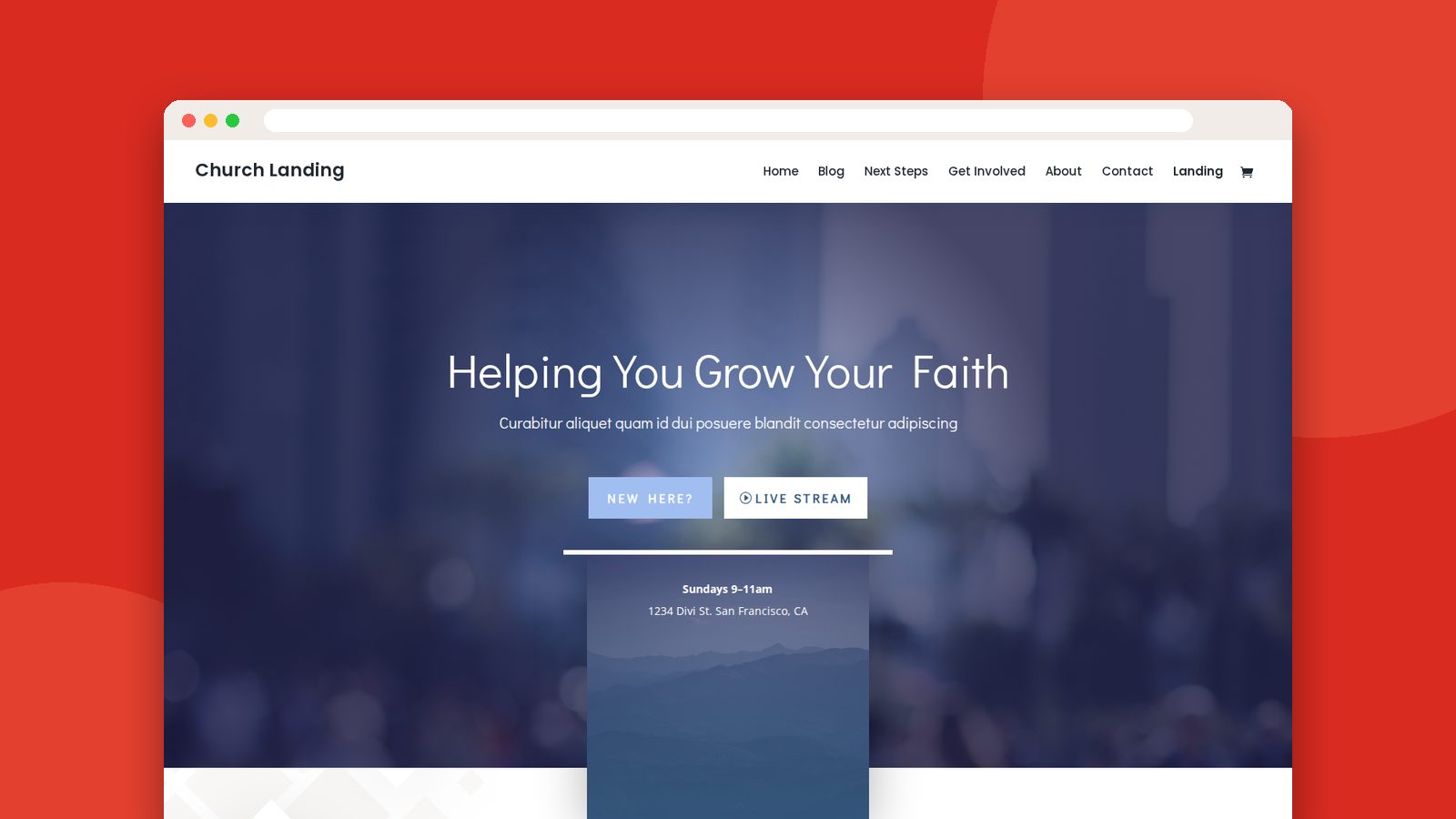
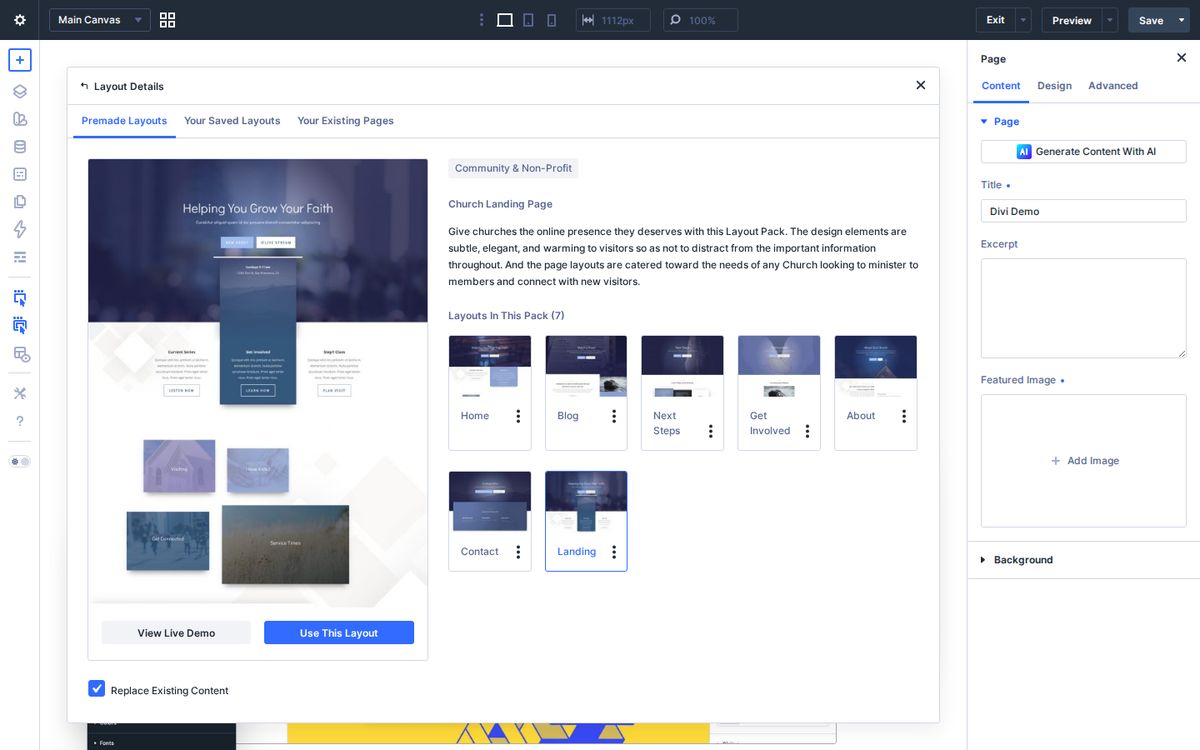
Here’s something a lot of churches don’t know: Divi’s free layout library includes a Church layout pack. It has seven ready-made pages (home, about, blog, next steps, get involved, contact, and a landing page) designed around the questions a first-time guest asks.
To find it, open the builder, click the purple plus, choose Premade Layout, and filter by Community & Non-Profit.
And here’s what the landing page looks like live, before you’ve changed a thing. Scroll inside the window to see the whole page:
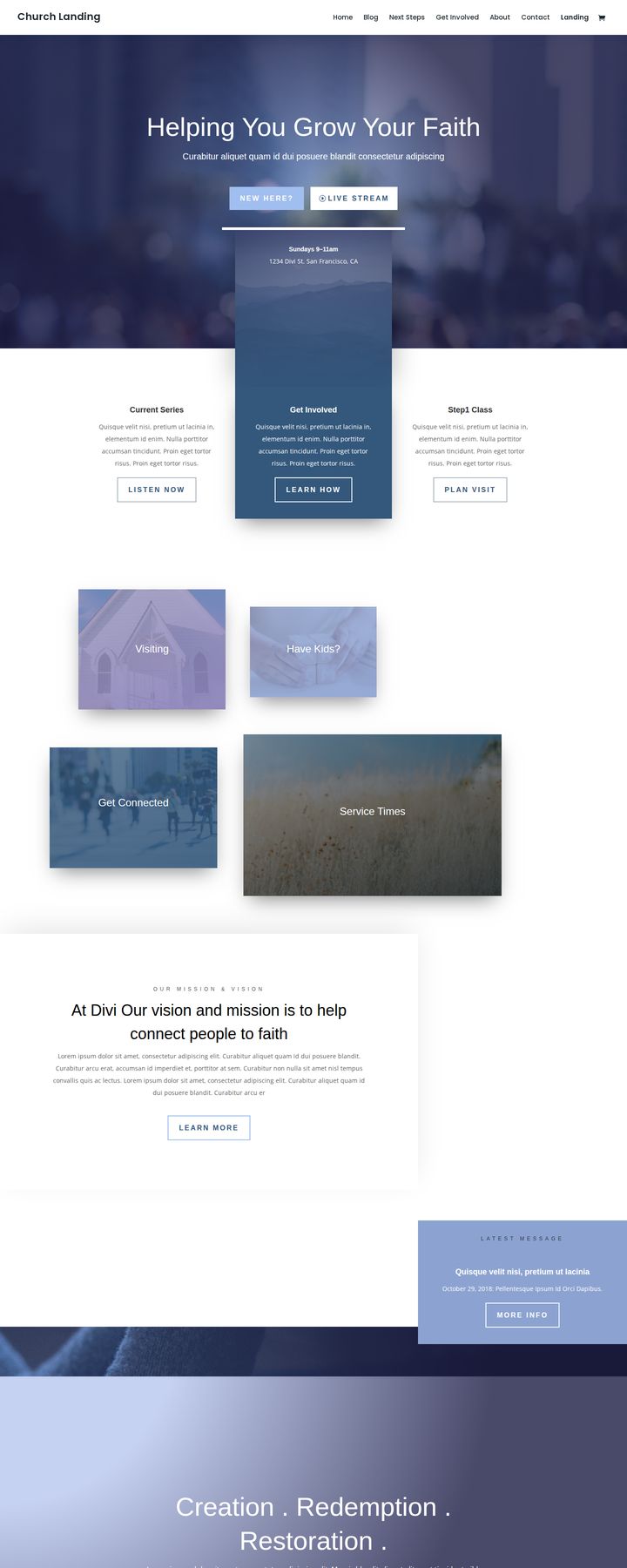
A layout pack is a starting point, not a finish line. Replace every stock photo with photos of your actual congregation. Stock photos feel dishonest to a first-time guest.
Step 4: Set your brand once, use it everywhere
This is the step most churches skip, and it’s why so many church websites look like five different people built them.
In Divi 5, set your colors, fonts, and sizes as design variables before you build another page. Then save your button and heading styles as presets. Every new page inherits them.
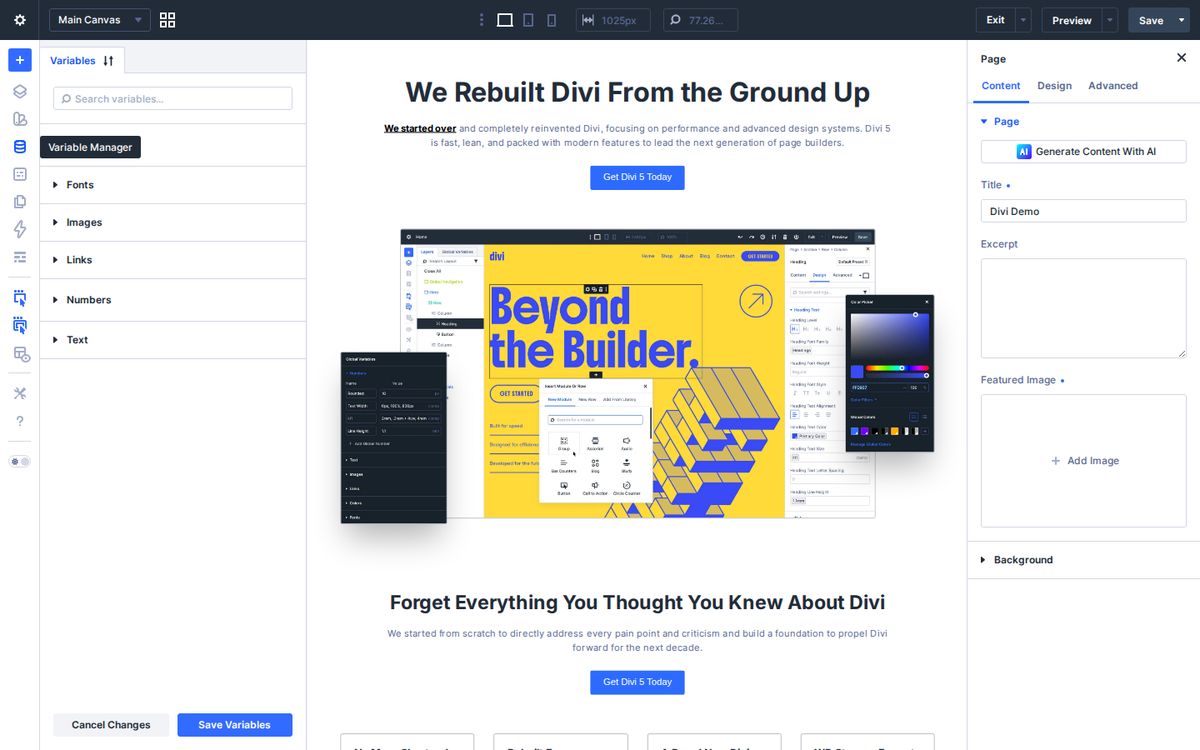
Simply put: decide once, and you’ll never have to decide again. Your future volunteers will thank you.
Step 5: Build the three pages that matter most
You don’t need a 40-page website. You need three pages that work really hard.
Your homepage. It should feel like a warm handshake. Put a real photo of your people at the top, one clear sentence about who you are, your service times, and one big button: “Plan a Visit.”
Your Plan a Visit page. This is your most important outreach page. Use Divi’s accordion or toggle modules to answer the questions guests are too nervous to ask: Where do I park? What should I wear? What happens with my kids? How long is the service? Add a simple contact form so someone can tell you they’re coming.
Your service times and location page. Add a map module, your address, and your times in big type. Then put your service times in your header or footer too, so they appear on every page.
Step 6: Build templates for the pages you’ll repeat
Divi’s Theme Builder lets you design a template once and apply it everywhere. This is where Divi saves a church hours every month.
Build one template for your header and footer. Build one for sermon or blog posts. Build one for event pages. From then on, adding a new sermon or event is just filling in the blanks. The design takes care of itself.
Step 7: Check it on your phone
Most of your visitors will see your website on a phone first. Divi lets you preview and adjust every section for desktop, tablet, and phone. Click the phone icon at the top of the builder and look at every page.
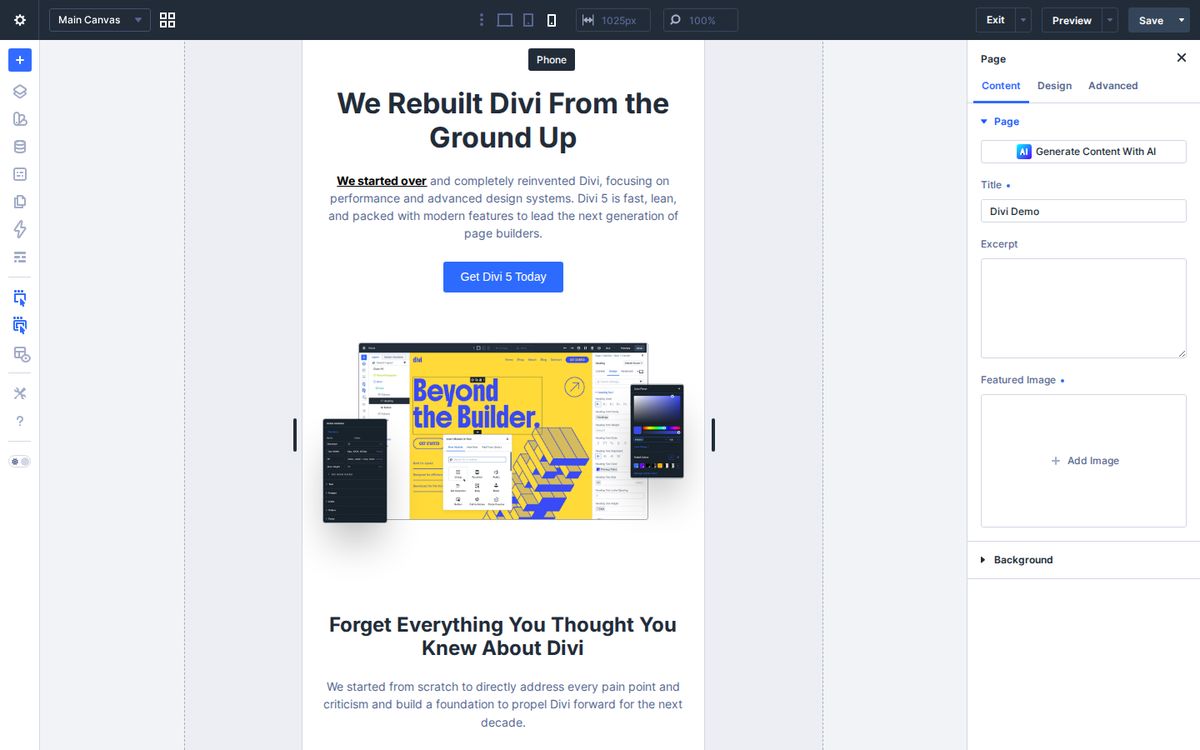
Then open your new site on your own phone and pretend you’ve never been to your church. Can you find service times in under ten seconds? Can you tap the address and get directions? If not, fix that before you launch.
Step 8: Launch, then keep it alive
A website isn’t a project. It’s a ministry. Put a monthly reminder on your calendar to update your homepage, remove past events, and add new photos.
Then train one or two volunteers. Because Divi is visual, a volunteer can learn to update an event or swap a photo in an afternoon. That’s how a team of one becomes a team of three.
Your launch checklist
Tick these off as you go. Your progress stays saved in this browser, so you can come back to it.
Church website launch checklist
0 of 11 done
You did it. Go celebrate, then put that monthly update reminder on your calendar.
Start small
There’s no way you’ll build the perfect website this month. That’s okay! Launch the three pages that matter most, then add the rest over time. A clear, honest, simple website beats a beautiful one that’s still “almost done” next Easter.
If you’re ready, grab Divi here and block off two afternoons on your calendar. And if you’d like a second set of eyes on your plan, you can book a time with me.
Your website is the front door of your church for people who haven’t walked through the real one yet. Let’s make it a welcoming one.
Frequently asked questions
Is Divi a good choice for a church website?
Yes, for most churches. Divi is a WordPress theme with a visual drag-and-drop builder, so staff and volunteers can update pages without writing code, and one license covers unlimited websites.
Do I need to know how to code to use Divi?
No. You edit pages visually by clicking on text, images, and sections. Knowing a little CSS helps for fine-tuning, but it isn't required.
Does Divi have a church template?
Yes. Divi's free layout library includes a Church layout pack with seven page layouts, including home, about, blog, next steps, get involved, contact, and a landing page.
What pages should a church website build first?
Build your homepage, a Plan a Visit page, and a service times and location page first. Those three do most of the work of welcoming new guests.
Should my church buy the yearly or lifetime Divi plan?
If you expect to keep your site on WordPress for more than a few years, the one-time lifetime plan is usually the better value because updates and support never expire.